Power Tools
ASP.NET Zero Power Tools is a .NET global tool that opens a web-based UI for generating application code from entity definitions. It can create entity classes, permissions, application services, DTOs, client-side pages, menu items, database migrations, tests, and related files.
Notice that Power Tools is available for ASP.NET Core based ASP.NET Zero templates. It is not available for ASP.NET MVC 5.x templates.
Prerequisites
- .NET 10 SDK or later.
- EF Core CLI if you want Power Tools to add migrations or update the database.
- Node.js if your generation workflow runs frontend commands.
Install and Run
ASP.NET Zero projects include the ASP.NET Zero NuGet source in aspnet-core/NuGet.Config. Run the install command from the aspnet-core folder:
dotnet tool install -g AspNetZero.PowerTools
Then launch Power Tools:
aspnetzero-powertools
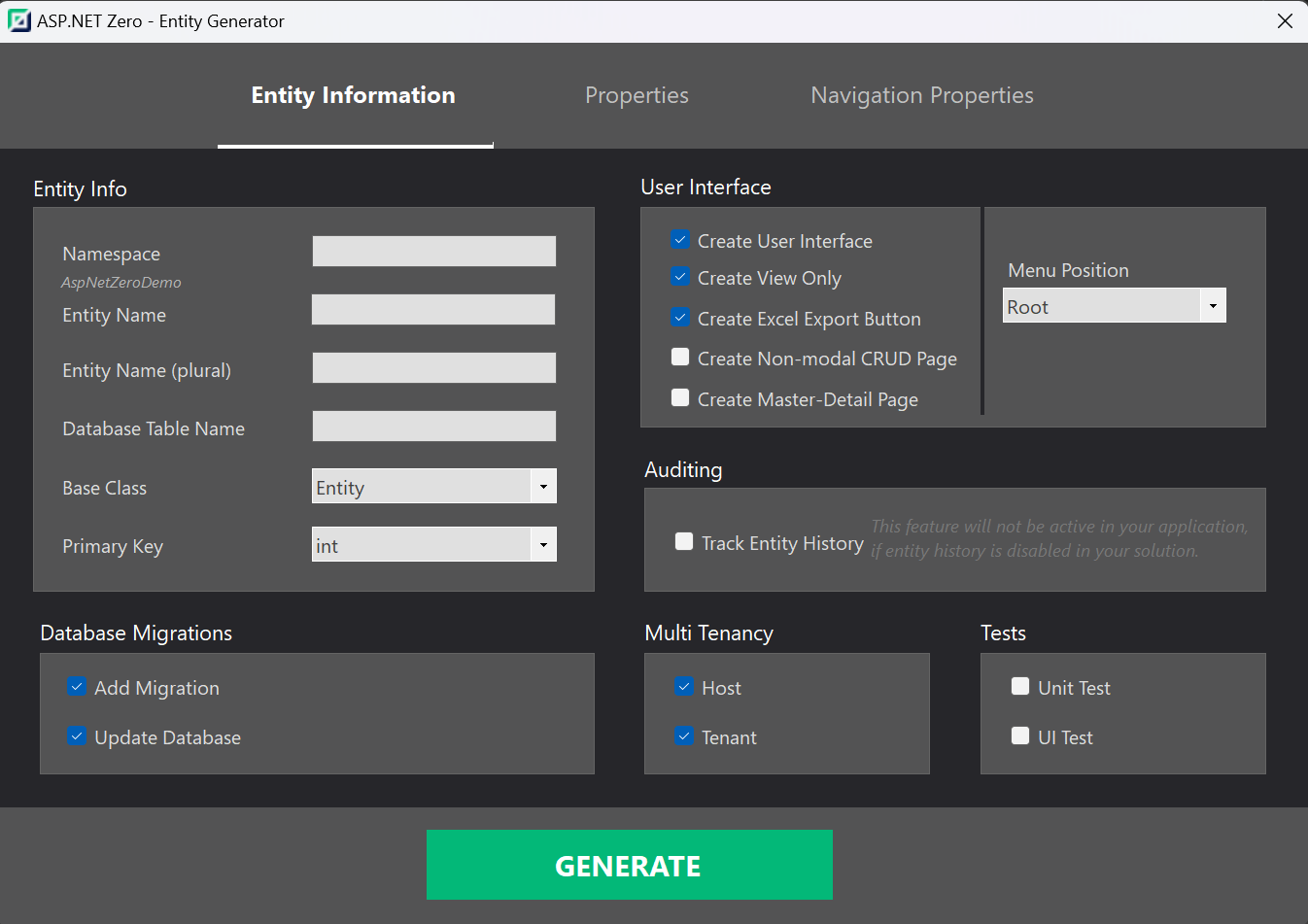
Power Tools opens a browser-based UI where you can select your project, create or import entities, edit templates, configure generation workflow, and generate code.
For detailed usage, see Power Tools Getting Started.
Demonstration
You can create a CRUD page by defining an entity in the Power Tools web UI and clicking Generate. Power Tools streams the generation output in the browser and modifies the selected ASP.NET Zero project.