
Development with Docker Containers for React
This document explains how to set up a Docker-based development environment for the ASP.NET Zero React UI application alongside the backend API.
Prerequisites
- Docker Desktop installed and running
- Node.js (LTS version)
- The ASP.NET Core backend (Web.Host) running or containerized
Backend Infrastructure Setup
The React UI requires the ASP.NET Core backend API to be running. The backend's aspnet-core/docker folder contains Docker projects for running the infrastructure and API.
1. Setting up the Infrastructure
Infrastructure contains mssql-server-linux as a database server and redis for caching.
In the backend's aspnet-core/docker/infrastructure/ folder, run the run-infrastructure.ps1 script which uses docker-compose.infrastructure.yml to set up the infrastructure.
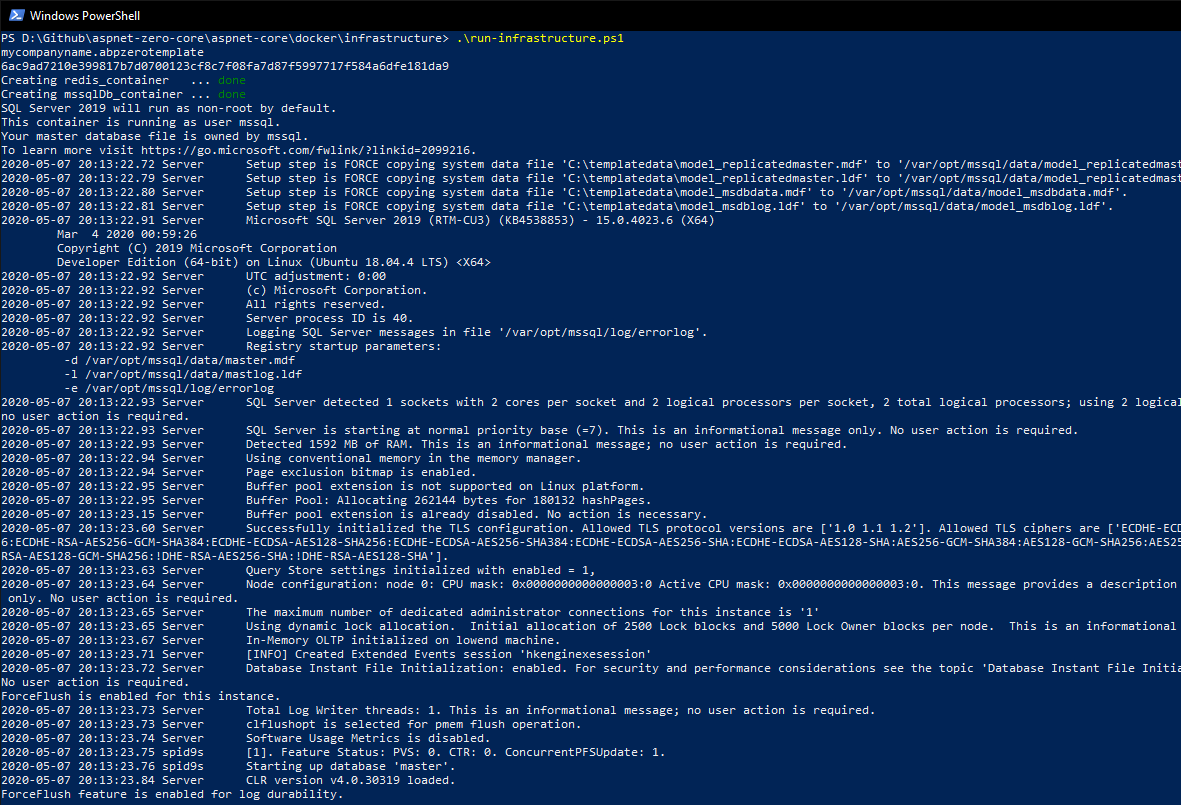
After running the script, PowerShell will show container logs. Use Ctrl + C to stop tailing the logs.
2. Setting up the Self-Signed Certificate
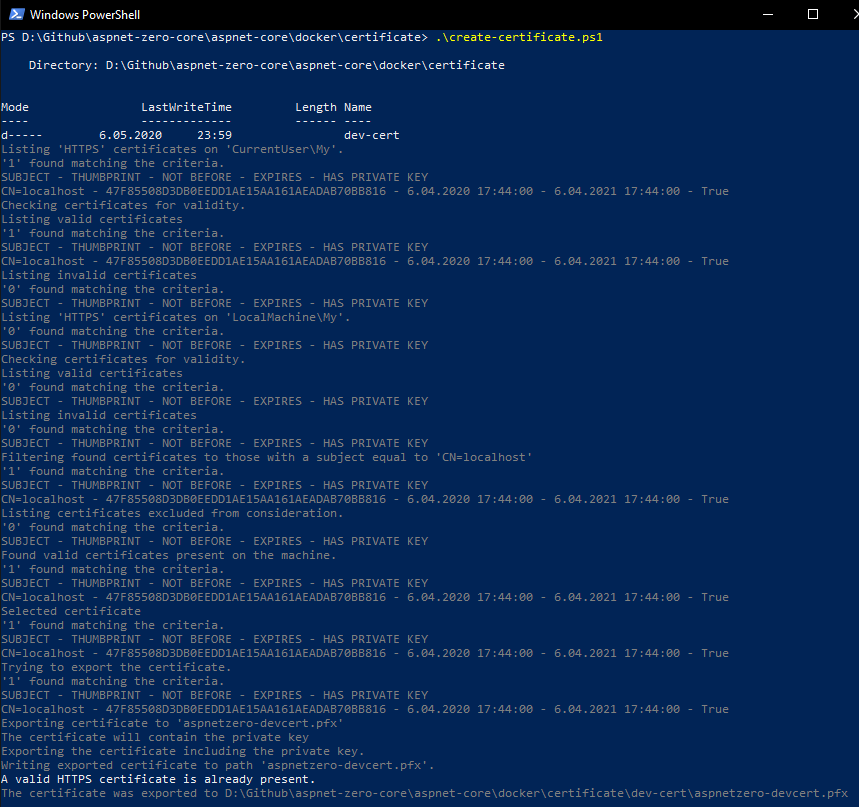
The backend API needs a certificate to enable HTTPS. In the backend's aspnet-core/docker/certificate/ folder, run create-certificate.ps1 to create the certificate.
3. Running the Migrator
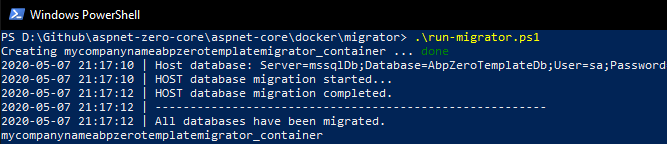
In the backend's aspnet-core/docker/migrator/ folder, run run-migrator.ps1 to apply database migrations.
4. Running the Host API
Start the Web.Host API using Docker:
cd aspnet-core/docker
docker compose -f docker-compose-host.yml -f docker-compose-host.override.yml up
The API will be available at https://localhost:44301 (or the configured port).
Running the React UI
The React UI is a client-side application that can be run in two ways during development:
Option 1: Development Server (Recommended for Development)
Run the React UI using the Vite development server:
pnpm install && pnpm dev
# or
npm install && npm run dev
This starts the development server at http://localhost:4200 with hot module replacement.
Make sure the .env file points to the correct backend API URL:
VITE_API_BASE_URL=https://localhost:44301
Option 2: Docker Container
You can containerize the React UI for testing production builds locally.
Create a Dockerfile
Create a Dockerfile in the React project root:
# Build stage
FROM node:20-alpine AS build
WORKDIR /app
COPY package*.json ./
RUN npm ci
COPY . .
RUN npm run build

# Production stage
FROM nginx:alpine
COPY --from=build /app/dist /usr/share/nginx/html
COPY nginx.conf /etc/nginx/conf.d/default.conf
EXPOSE 80
CMD ["nginx", "-g", "daemon off;"]
Create nginx.conf
Create an nginx.conf file for SPA routing:
server {
    listen 80;
    server_name localhost;
    root /usr/share/nginx/html;
    index index.html;

    location / {
        try_files $uri $uri/ /index.html;
    }
}
Build and Run
# Build the image
docker build -t aspnetzero-react .

# Run the container
docker run -d -p 4200:80 aspnetzero-react
Docker Compose for Full Stack Development
To run both the backend API and React UI together, create a docker-compose.yml:
version: '3.8'
services:
  react-ui:
    build: .
    ports:
      - "4200:80"
    depends_on:
      - host-api
    environment:
      - VITE_API_BASE_URL=http://host-api:21021

  host-api:
    # Reference your backend's docker-compose-host configuration
    # or use the pre-built image
    image: your-registry/aspnetzero-host:latest
    ports:
      - "44301:443"
    environment:
      - ASPNETCORE_ENVIRONMENT=Docker
      - ConnectionStrings__Default=your-connection-string
Configuration Notes
Environment Variables
The React UI uses Vite environment variables. For Docker builds, you can:
Set variables at build time in the Dockerfile:
ARG VITE_API_BASE_URL
ENV VITE_API_BASE_URL=$VITE_API_BASE_URL
RUN npm run build
Pass them during build:
docker build --build-arg VITE_API_BASE_URL=https://api.example.com -t aspnetzero-react .
CORS Configuration
Ensure the backend's appsettings.json has the correct CORS origins configured to allow requests from the React container:
{
  "App": {
    "CorsOrigins": "http://localhost:4200,http://react-ui"
  }
}
Troubleshooting
Container Conflict Errors
If you get container conflict errors when switching between Docker configurations, clean up the containers:
docker compose down
docker system prune -f

Connection to Backend API Fails
- Ensure the backend API is running and accessible
- Check that
VITE_API_BASE_URLis correctly set - Verify CORS is configured to allow the React UI origin
- Check Docker network connectivity if both are containerized

