
Organization Units
Organization units (OU) are used to hierarchically group user and entities. Then you can get user or entities based on their OUs. When we click Administration/Organization units, we enter the related page:
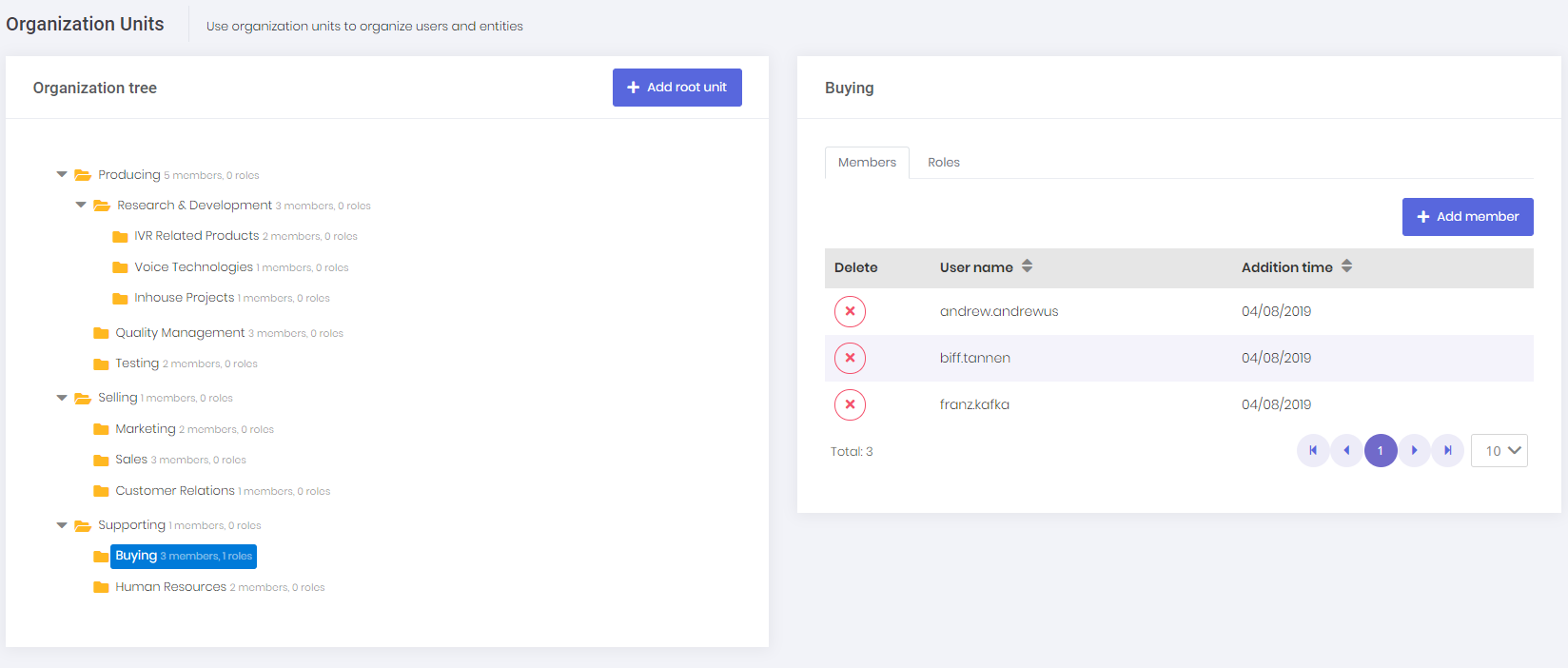
Here, we can manage OUs (create, edit, delete, move), members of organization units (add/remove) and roles of organization units. When a role is added to an organization unit, all members of that organization unit are granted with the permissions of the role. In that way, you can easily assign a role to all users of an organization unit.
In the left OU tree, we can right click to an OU to open context menu for OU operations.
We can also add new members with the upper right button of members tab.
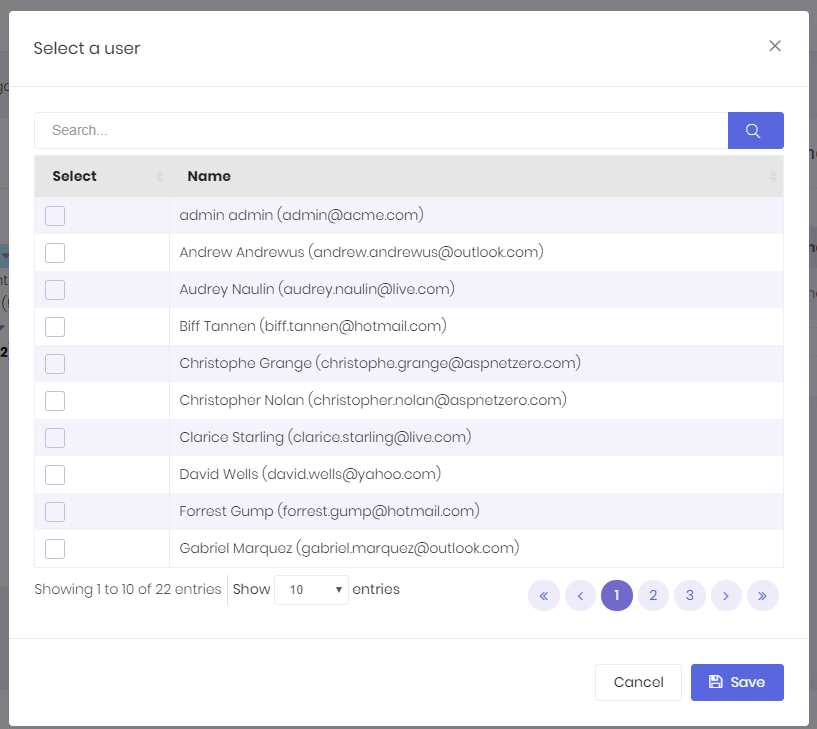
This is a user selection modal that allows searching and selecting users to add to the organization unit.
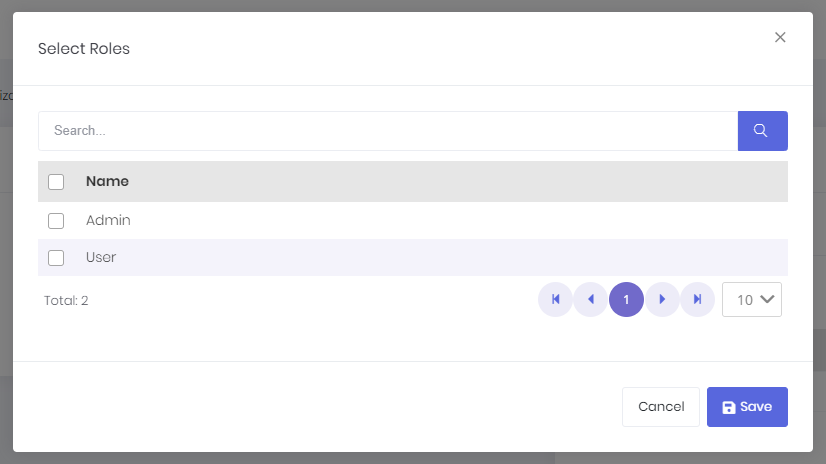
We can also add new roles with the upper right button of roles tab. A role selection modal is used to select roles to assign.
Further information see ASP.NET Boilerplate Organization Unit Management Document.
